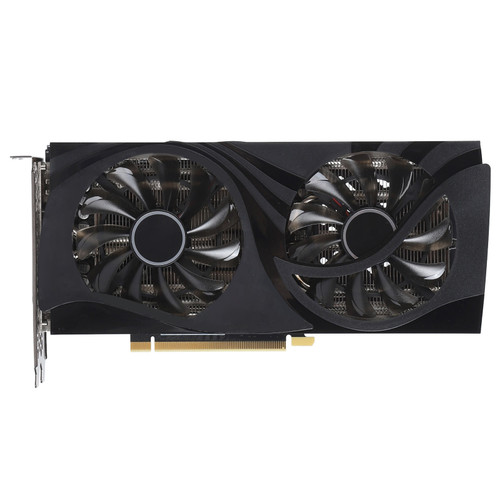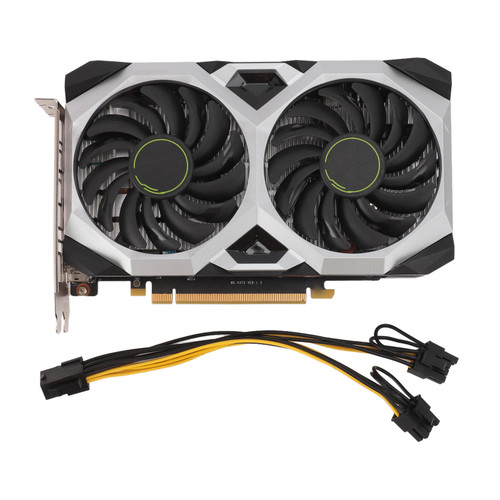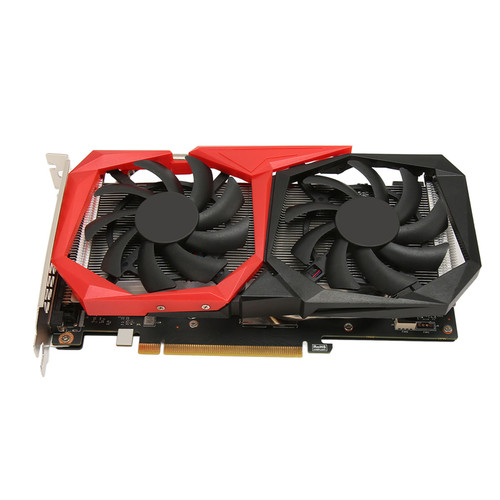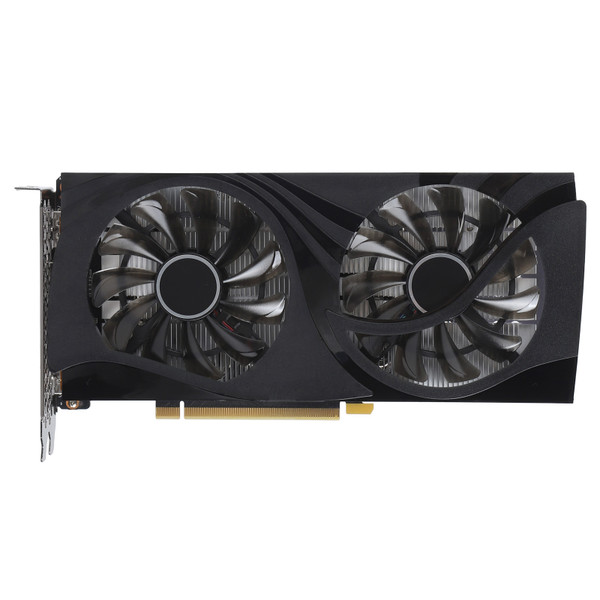


Product Overview
Material: PCB, Metal Aluminum
Model: RTX4060 8G D6 GB
Core Codename and Process: AD107 5nm
Unified Shaders: 3072
Core Frequency: 1830MHz boost 2460MHz
Memory Frequency: 2125MHz
Memory Speed: 17Gbps
Memory capacity and Specification: 8G 128bit GDDR6
3D features: For DirectX 12, for Ray Tracing, for Tensor, for G Sync , for DLSS3, for
REFLEX, for BROADCAST, for ANSEL, for VRREADY, for Vulkan1.3, for RT APIs, for OpenGL 4.6, for HDCP 2.3, for CUDA8.9
OS Features: for Windows 10, for Windows 11, for LINUX (64 Bit)
Cooler: YX2D Q (8.63cm x 2 Fans, 6mm x 2 Heatpipes)
Fan Features: Adjustable Speed, Display Speed Value (Intelligent Start/Stop)
Bus Interface: PCI Express 4.0 x8
Output Interface: HD Multimedia Interface 2.1A x 1 + Displayport 1.4A x 3
Maximum Resolution: 4K 240Hz, Displaying 7680 x 4320 60Hz HDR Effect
Multiple Displays: 4 Screens
Sli( (NVLINK) Crossfire: Not Supported
Power Design: NVVDD 4, FBVDD 1
External Power Supply: 8Pin x 1
Graphics Card Power, Recommended Power Supply: Approx. 115W 500W and higher
Driver Installation: 1. The driver installation of the graphics card is required to be done at the first boot up after the hardware installation of the graphics card is completed. 2. graphics cards are divided into two series of products according to chipsets: "for AMD", please select the appropriate driver installation according to the actual product information, and you can complete the driver installation according to the following steps: Step 1: After system startup, enter the official website, and then click into the product center. Step 2: Check the model number on the box or the product nameplate on the back of the card. If the model number of your graphics card; if the model number of your graphics card begins with RX R, click "for AMD series" Step 3: According to the specific model number of your graphics card, go to the corresponding product page, click "Driver Download", and download the corresponding driver according to the version of the operating system that you have installed. Download the corresponding driver according to the version of the operating system you have installed. Step 4: After the driver download is complete, double click the file to start the installation, please follow the instructions of the installation wizard to install. Please follow the instructions of the installation wizard.
Features
1、8G 128BIT GDDR6 MEMORY GRAPHICS CARD: Powerful image processing capabilities, 1830MHz boost 2460MHz core frequency, 2125MHz memory frequency; for gamers to bring ultra high performance, ultra high resolution and visually excellent gaming experience.
2、PREMIUM MATERIAL: The metal backplate that completely covers the graphics card makes it stronger and more durable, and further aids in heat dissipation; premium PCB materials, using premium components to ensure long lasting and stable high performance output.
3、POWERFUL PERFORMANCE: Adopting displayport 1.4a interface and DSC technology, or HD Multimedia Interface 2.1a interface and DSC technology, it can support up to 8K 12 bit HDR display effect at 60Hz.
4、HEAT DISSIPATION SYSTEM: Integrated heat sink module for fast cooling, increased space for heat sink module conduction, so that the strong wind brought by the fan quickly passes through and takes away the core heat.
5、COMPATIBILITY: RTX4060 8G D6 graphics card supports HD Multimedia Interface 2.1a x 1 and Display 1.4a x 3 interface, Compatible for Windows 10, for Windows 11, for LINUX (64 Compatible for Windows 10, for Windows 11, for LINUX (64 bit) OS.
Package List
1 x RTX4060 8G D6 Graphics Card
Package Weight and Dimension
| Weight | 1.93 lb |
| Width | 7.41 Inch |
| Height | 2.34 Inch |
| Length | 12.87 Inch |